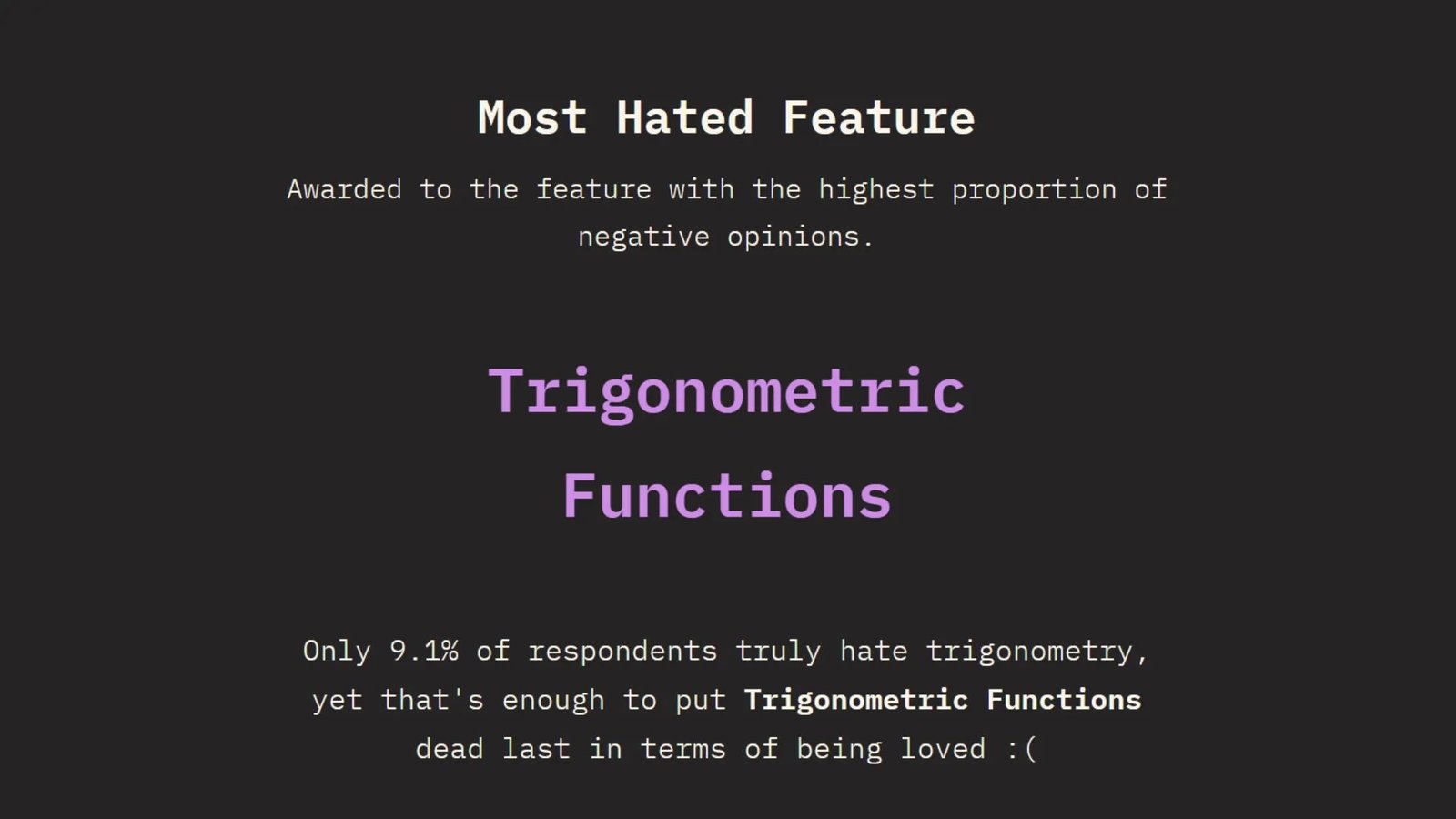
This is a series! It all started acouple of articles ago,when we found out that, according totheState of CSS 2025survey, trigonometric functions were the “Most Hated” CSS feature.

I’ve been trying to change that perspective, so I showcased several uses for trigonometric functions in CSS: one forsin()andcos()and another ontan(). However, that’s only half of what trigonometric functions can do. So today, we’ll poke at the inverse world of trigonometric functions:asin(),acos(),atan()andatan2().
CSS Trigonometric Functions: The “Most Hated” CSS Feature
sin()andcos()tan()asin(),acos(),atan()andatan2()(You are here!)
Inverse functions?
Recapping things a bit, given an angle, thesin(),cos()andtan()functions return a ratio presenting the sine, cosine, and tangent of that angle, respectively. And if you read the last two parts of the series, then you already know what each of those quantities represents.
What if we wanted to go the other way around? If we have a ratio that represents the sine, cosine or tangent of an angle, how can we get the original angle? This is where inverse trigonometric functions come in! Each inverse function asks what the necessary angle is to get a given value for a specific trigonometric function; in other words, itundoesthe original trigonometric function. So…
acos()is the inverse ofcos(),asin()is the inverse ofsin(), andatan()andatan2()are the inverse oftan().
They are also called “arcus” functions and written asarcos(),arcsin()andarctan()in most places. This is because, in a circle, each angle corresponds to an arc in the circumference.
The length of this arc is the angle times the circle’s radius. Since trigonometric functions live in aunitcircle, where the radius is equal to 1, the arc length is also the angle, expressed in radians.
Their mathy definitions are a little boring, to say the least, but they are straightforward:
y = acos(x)such thatx = cos(y)y = asin(x)such thatx = sin(y)y = atan(x)such thatx = tan(y)
acos() and asin()
Usingacos()andasin(), we can undocos(θ)andsin(θ)to get the starting angle,θ. However, if we try to graph them, we’ll notice something odd:

The functions are only defined from-1to1!
Remember,cos()andsin()can take any angle, but they will always return a number between-1and1. For example, bothcos(90°)andcos(270°)(not to mention others) return 0, so which value shouldacos(0)return? To answer this, bothacos()andasin()have their domain (their input) and range (their output) restricted:
acos()can only take numbers between-1and1and return angles between0°and180°.asin()can only take numbers between-1and1and return angles between-90°and90°.
This limits a lot of the situations where we can useacos()andasin(), since something likeasin(1.2)doesn’t work in CSS* — according to the spec, going outsideacos()andasin()domain returnsNaN — which leads us to our next inverse function…
atan() and atan2()
Similarly, usingatan(), we can undotan(θ)to getθ. But, unlikeasin()andacos(), if we graph it, we’ll notice a big difference:

This time it is defined on the whole number line! This makes sense sincetan()can return any number between-InfinityandInfinity, soatan()is defined in that domain.
atan()can take any number between-InfinityandInfinityand returns angles-90°and90°.
This makesatan()incredibly useful to find angles in all kinds of situations, and a lot more versatile thanacos()andasin(). That’s why we’ll be using it, alongatan2(), going forward. Although don’t worry aboutatan2()for now, we’ll get to it later.
Finding the perfect angle
In thelast article, we worked a lot with triangles. Specifically, we used thetan()function to find one of the sides of a right-angled triangle from the following relationships:

To make it work, we needed to know one of its sides and the angle, and by solving the equation, we would get the other side. However, in most cases, we do know the lengths of the triangle’s sides and what we are actually looking for is the angle. In that case, the last equation becomes:

Triangles and Conic Gradients
Finding the angle comes in handy in lots of cases, like in gradients, for instance. In alinear gradient, for example, if we want it to go from corner to corner, we’ll have to match the gradient’s angle depending on the element’s dimensions. Otherwise, with a fixed angle, the gradient won’t change if the element gets resized:
.gradient {
  background: repeating-linear-gradient(ghostwhite 0px 25px, darkslategray 25px 50px);
}This may be the desired look, but I think that most often than not, you want it to match the element’s dimensions.
Usinglinear-gradient(), we can easily solve this usingto top rightorto bottom leftvalues for the angle, which automatically sets the angle so the gradient goes from corner to corner.
.gradient {
  background: repeating-linear-gradient(to top right, ghostwhite 0px 25px, darkslategray 25px 50px);
}However, we don’t have that type of syntax for other gradients, like aconic-gradient(). For example, the next conic gradient has a fixed angle and won’t change upon resizing the element.
.gradient {
  background: conic-gradient(from 45deg, #84a59d 180deg, #f28482 180deg);
}Luckily, we can fix this usingatan()! We can look at the gradient as a right-angled triangle, where the width is the adjacent side and the height the opposite side:

Then, we can get the angle using this formula:
.gradient {
  --angle: atan(var(--height-gradient) / var(--width-gradient));
}Sinceconic-gradient()starts from the top edge — conic-gradient(from 0deg) — we’ll have to shift it by90degto make it work.
.gradient {
  --rotation: calc(90deg - var(--angle));
  background: conic-gradient(from var(--rotation), #84a59d 180deg, #f28482 180deg);
}You may be wondering: can’t we do that with a linear gradient? And the answer is, yes! But this was just an example to showcaseatan(). Let’s move on to more interesting stuff that’s unique to conic gradients.
I got the next example from Ana Tudor’s post on“Variable Aspect Ratio Card With Conic Gradients”:
Pretty cool, right?. Sadly, Ana’s post is from 2021, a time when trigonometric functions were specced out but not implemented. As she mentions in her article, it wasn’t possible to create these gradients usingatan(). Luckily, we live in the future! Let’s see how simple they become with trigonometry and CSS.
We’ll use two conic gradients, each of them covering half of the card’s background.

To save time, I’ll gloss over exactly how to make the original gradient, so here is a quick little step-by-step guide on how to make one of those gradients in a square-shaped element:
Since we’re working with a perfect square, we can fix the--angleand--rotationto be 45deg, but for a general use case, each of the conic-gradients would look like this in CSS:
.gradient {
  background:
    /* one below */
    conic-gradient(
      from var(--rotation) at bottom left,
      #b9eee1 calc(var(--angle) * 1 / 3),
      #79d3be calc(var(--angle) * 1 / 3) calc(var(--angle) * 2 / 3),
      #39b89a calc(var(--angle) * 2 / 3) calc(var(--angle) * 3 / 3),
      transparent var(--angle)
    ),
    /* one above */
    conic-gradient(
      from calc(var(--rotation) + 180deg) at top right,
      #fec9d7 calc(var(--angle) * 1 / 3),
      #ff91ad calc(var(--angle) * 1 / 3) calc(var(--angle) * 2 / 3),
      #ff5883 calc(var(--angle) * 2 / 3) calc(var(--angle) * 3 / 3),
      transparent var(--angle)
    );
}
And we can get those--angleand--rotationvariables the same way we did earlier — using atan(), of course!
.gradient {
  --angle: atan(var(--height-gradient) / var(--width-gradient));
  --rotation: calc(90deg - var(--angle));
}What about atan2()?
The last example was all abouatan(), but I told you we would also look at theatan2() function. Withatan(), we get the angle when we divide the opposite side by the adjacent side and pass that value as the argument. On the flip side,atan2()takes them as separate arguments:
atan(opposite/adjacent)atan2(opposite, adjacent)
What’s the difference? To explain, let’s backtrack a bit.
We usedatan()in the context of triangles, meaning that the adjacent and opposite sides were always positive. This may seem like an obvious thing since lengths are always positive, but we won’t always work with lengths.
Imagine we are in a x-y plane and pick a random point on the graph. Just by looking at its position, we can know its x and y coordinates, which can have both negative and positive coordinates. What if we wanted its angle instead? Measuring it, of course, from the positive x-axis.

Well, remember from the last article in this series that we can also definetan()as the quotient betweensin()andcos():

Also recall that when we measure the angle from the positive x-axis, thensin()returns the y-coordinate andcos()returns the x-coordinate. So, the last formula becomes:

And applyingatan(), we can directly get the angle!

This formula has one problem, though. It should work for any point in the x-y plane, and since both x and y can be negative, we can confuse some points. Since we are dividing the y-coordinate by the x-coordinate, in the eyes of atan(), the negative y-coordinate looks the same as the negative x-coordinate. And if both coordinates are negative, it would look the same as if both were positive.

To compensate for this, we haveatan2(), and since it takes the y-coordinate and x-coordinate as separate arguments, it’s smart enough to return the angle everywhere in the plane!
Let’s see how we can put it to practical use.
Following the mouse
Usingatan2(), we can make elements react to the mouse’s position. Why would we want to do that? Meet my friend Helpy, Clippy’s uglier brother from Microsoft.
Helpy wants to always be looking at the user’s mouse, and luckily, we can help him usingatan2(). I won’t go into too much detail about how Helpy is made, just know that his eyes are two pseudo-elements:
.helpy::before,
.helpy::after {
  /* eye styling */
}
To help Helpy, we first need to let CSS know the mouse’s current x-y coordinates. And while I may not like using JavaScript here, it’s needed in order to pass the mouse coordinates to CSS as two custom properties that we’ll call--m-xand--m-y.
const body = document.querySelector("body");

// listen for the mouse pointer
body.addEventListener("pointermove", (event) => {
  // set variables for the pointer's current coordinates
  let x = event.clientX;
  let y = event.clientY;

  // assign those coordinates to CSS custom properties in pixel units
  body.style.setProperty("--m-x", `${Math.round(x)}px`);
  body.style.setProperty("--m-y", `${Math.round(y)}px`);
});
Helpy is currently looking away from the content, so we’ll first move his eyes so they align with the positive x-axis, i.e., to the right.
.helpy::before,
.helpy::after {
  rotate: 135deg;
}
Once there, we can useatan2()to find the exact angle Helpy has to turn so he sees the user’s mouse. Since Helpy is positioned at the top-left corner of the page, and the x and y coordinates are measured from there, it’s time to plug those coordinates into our function: atan2(var(--m-y), var(--m-x)).
.helpy::before,
.helpy::after {
  /* rotate the eyes by it's starting position, plus the atan2 of the coordinates */
  rotate: calc(135deg + atan2(var(--m-y), var(--m-x)));
}
We can make one last improvement. You’ll notice that if the mouse goes on the little gap behind Helpy, he is unable to look at the pointer. This happens because we are measuring the coordinates exactly from the top-left corner, and Helpy is positioned a little bit away from that.
To fix this, we can translate the origin of the coordinate system directly on Helpy by subtracting the padding and half its size:

Which looks like this in CSS:
.helpy::before,
.helpy::after  {
  rotate: calc(
    135deg +
      atan2(
        var(--m-y) - var(--spacing) - var(--helpy-size) / 2,
        var(--m-x) - var(--spacing) - var(--helpy-size) / 2
      )
  );
}This is a somewhat minor improvement, but moving the coordinate origin will be vital if we want to place Helpy in any other place on the screen.
Extra: Getting the viewport (and anything) in numbers
I can’t finish this series without mentioning a trick to typecast different units into simple numbers usingatan2()andtan(). It isn’t directly related to trigonometry but it’s still super useful. It was firstdescribed amazingly by Jane Oriin 2023, and goes as follows.
If we want to get the viewport as an integer, then we can…
@property --100vw {
  syntax: ";";
  initial-value: 0px;
  inherits: false;
}

:root {
  --100vw: 100vw;
  --int-width: calc(10000 * tan(atan2(var(--100vw), 10000px)));
}
And now:the --int-widthvariable holds the viewport width as an integer. This looks like magic, so I really recommend reading Jane Ori’s post to understand it. I also have an article using it to createanimations as the viewport is resized!
What about reciprocals?
I noticed that we are still lacking the reciprocals for each trigonometric function. The reciprocals are merely 1 divided by the function, so there’s a total of three of them:
- The secant, or
sec(x),is the reciprocal ofcos(x), so it’s1 / cos(x). - The cosecant, or
csc(x),is the reciprocal ofsin(x), so it’s1 / sin(x). - The cotangent, or
cot(x)is the reciprocal oftan(x), so it’s1 / tan(x).
The beauty ofsin(),cos()andtan()and their reciprocals is that they all live in the unit circle we’ve looked at in other articles in this series. I decided to put everything together in the following demo that shows all of the trigonometric functions covered on the same unit circle:
That’s it!
Welp, that’s it! I hope you learned and had fun with this series just as much as I enjoyed writing it. And thanks so much for those of you who have shared your own demos. I’ll be rounding them up inmy Bluesky page.
CSS Trigonometric Functions: The “Most Hated” CSS Feature
sin()andcos()tan()asin(),acos(),atan()andatan2()(You are here!)